Take a moment to find the easiest starting point
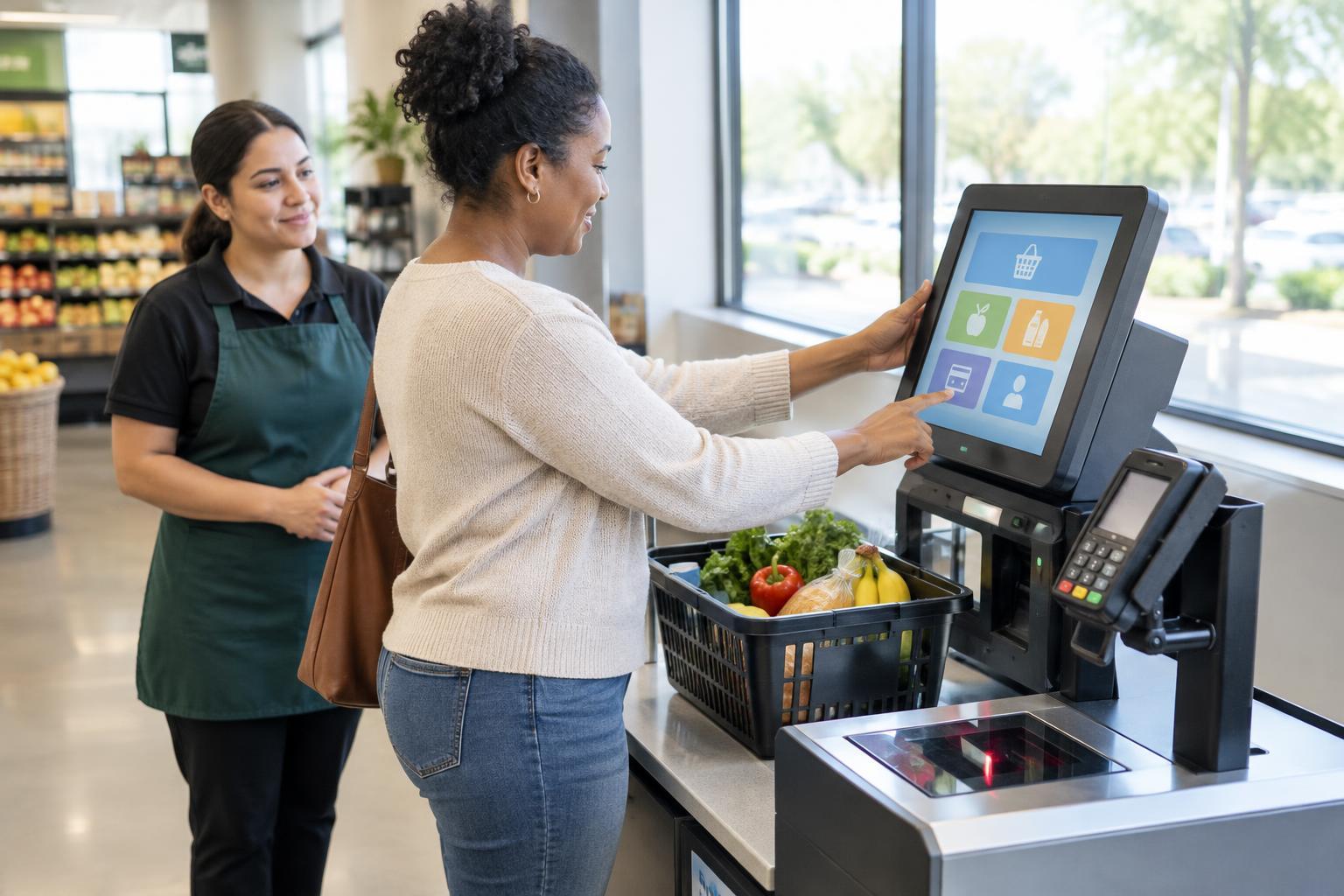
Before beginning, look around the station. A different kiosk may be lower, less affected by glare or closer to a staff member. At a self-checkout area, one station may have more space for a mobility aid, bags or a companion. Choosing a better position before starting can be easier than switching halfway through.
Scan the screen and its surroundings for accessibility options. Depending on the machine, these might include a text-size or contrast control, an audio option, a headphone socket or physical buttons beside the display. Not every kiosk has these features, and their labels vary. If you cannot locate them quickly, asking a staff member where they are is a reasonable first step.
Make the screen easier to read and reach
If glare obscures the screen, try a small change of position rather than leaning into an uncomfortable posture. Check whether an on-screen option increases contrast or text size. Move at a pace that lets you read each choice before selecting it; a crowded line does not mean you have to rush. If the screen is out of comfortable reach, another station or a staffed option may be the better choice.
Touchscreens can be difficult when targets are small or do not respond consistently. Use the flat of a finger or a stylus only if the machine permits it, and watch for a visible response before tapping again. Repeated taps may accidentally advance several steps. Where physical buttons, a keypad or a card reader offer an alternative to touching the screen, use the control that works best for you.
Handle audio, time limits and mistakes one step at a time
Some kiosks offer spoken instructions through headphones. If you use this feature, bring your own headphones if practical and check the volume before entering personal details. Audio may explain the choices on a screen, but it may not cover every task equally well. If the instructions are unclear, pause and ask for help rather than guessing about a ticket, fare or payment.
A screen that times out can make a slow or unfamiliar process stressful. Gather what you need first, such as an item, destination or payment card, then complete one decision at a time. Look for a back button before restarting after a wrong selection. At self-checkout, an unexpected-item alert or scanning error is usually a signal to get an attendant; it is not a reason to keep trying random options.
Ask for help while keeping control of your choices
You can be specific about the part that is difficult: “Could you read the options on this screen?” or “Can you show me where the accessible controls are?” Specific requests help someone assist without taking over. If you want to make the selections yourself, say so. If you would rather have a staff member complete the transaction with your confirmation, that is also a valid choice where the service allows it.
Protect your privacy during payment. You can ask a helper to turn away while you enter a PIN, password or other sensitive information. Read or listen to the final selection and price before confirming, especially when buying a ticket with several fare or route options. If you are unsure what has been charged, request a receipt or help checking the transaction before leaving.
Know when to choose another route
A kiosk is one way to complete a task, not a test you have to pass. A staffed checkout, ticket counter or other available purchasing method may be more comfortable. If a machine cannot be reached, read or operated reliably, moving to an alternative can save time and prevent an unwanted purchase.
If you regularly visit the same place, it may help to note which station works well and where to find assistance. When a barrier keeps coming up, you can describe it to staff in concrete terms—for example, “The payment button is too low-contrast for me to identify.” That gives the organization something useful to address. In the meantime, the most accessible choice is the one that lets you finish the task with clarity and dignity.