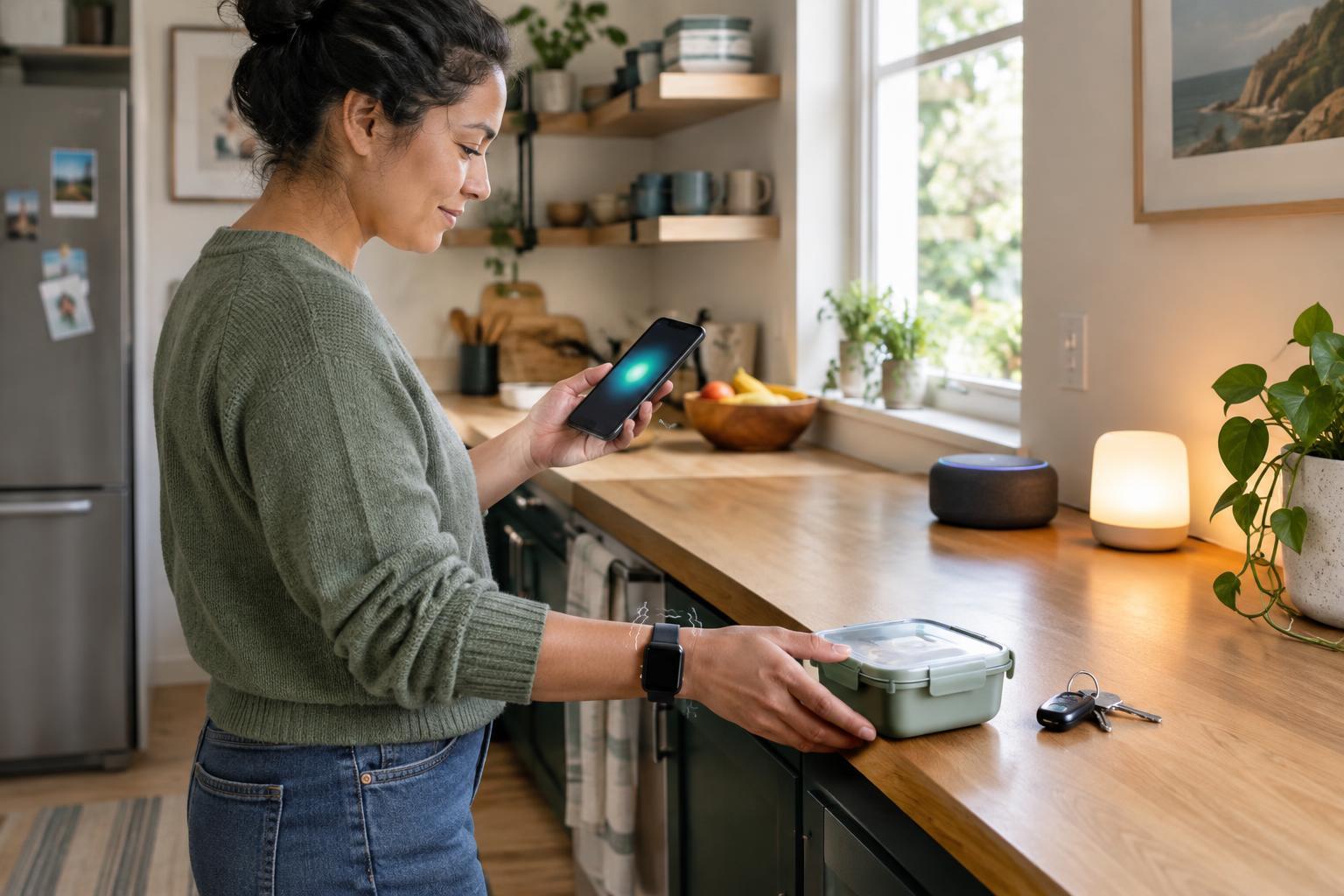
Start with the task, not the device
A reminder works best when it reaches you at the moment you need it and makes the next step clear. Before choosing an alert, ask what you are trying to remember, where you will be, and whether you can act right away. A prompt to take a bag when leaving home has different needs from a prompt to move laundry later in the afternoon. The first belongs near the door or at your usual departure time; the second may need to reach you wherever you are.
Also consider how easily the alert could be missed. You may not see a screen while cooking, hear a chime in a noisy room, or feel a watch vibrate while carrying bags. Your own sensory preferences matter, but so do the surroundings and the way you move through them. The most accessible choice is often the one that fits a particular task rather than a single setting used for every reminder.
Use visual alerts when you are likely to look
Visual reminders can be written notes, calendar notifications, labels, lights or icons. They are useful when you want to check information quietly or return to it after the alert appears. A short message such as “Bring library books” gives more direction than a generic dot or flashing light. Put fixed reminders where the action happens: a note by the door for items to carry, or a label near a switch for a step in a routine.
Visual alerts are less useful when your attention is elsewhere. A phone notification can disappear into a crowded screen, and a light across the room may not be noticed. Make important text easy to read, use clear contrast, and avoid relying on color alone to convey meaning. If a flashing signal is optional, a steady or gently changing signal may be more comfortable for people who find flashing lights distracting or unpleasant. For tasks that cannot wait, pair the visual cue with another type of alert.
Choose sound when you need to be reached at a distance
Audible alerts can reach you when you are not looking at a device. They may suit a kitchen timer, a departure reminder or a prompt that needs attention while your hands are busy. Pick a sound you can recognize without making every notification equally urgent. If your device allows it, give time-sensitive reminders a distinct tone and leave less pressing updates silent.
Sound has limits. Background noise, headphones, closed doors and hearing differences can all affect whether an alert gets through. A loud chime can also disturb someone sharing your home or workspace. Test the volume from the places you are likely to be, rather than judging it only while holding the device. In shared settings, agree on sounds where possible, or use a personal vibration alert instead. An audible cue is most helpful when it attracts attention without becoming a constant interruption.
Try vibration for personal, discreet prompts
Vibration can be useful when sound would be disruptive or a screen is out of view. A phone in a pocket or a wearable on your wrist can provide a private nudge during a meeting, on public transport or while moving around the house. If your device offers different vibration patterns, a distinct pattern may help separate an important reminder from an ordinary message.
Vibration is not automatically reliable. You may miss it if a device is on a table, inside a bag or pressed loosely against your body. Some people find repeated vibrations uncomfortable or easy to ignore. Try the alert during a normal day and check whether you noticed it in the situations that matter. If not, change where you carry the device, adjust the pattern if possible, or add a visual follow-up.
Build a reminder system you can maintain
Combining alerts can make a reminder easier to catch, but too many simultaneous signals may create clutter. A simple approach is to use one attention-getting cue and one lasting cue: a vibration to prompt you to look, followed by a written notification that stays available until you check it. For a shared household task, a visible note near the task may work better than sending everyone a phone alert.
Review your reminders after a week of ordinary use. Which ones did you notice? Which arrived too early, too late or in the wrong place? Remove alerts that no longer help, and make the wording specific enough to support action. If other people are affected, ask what works for them rather than assuming one signal suits everyone. Small adjustments to timing, location and alert type can make everyday reminders easier to use without demanding more attention than the task deserves.