Start by making the label easier to see
Before reaching for a tool, try changing the conditions around the label. Move to a well-lit spot and turn the package so light falls across the text without reflecting into your eyes. A lamp you can aim is often more useful than a bright overhead light, especially on shiny plastic. Place the item on a steady surface if you can; holding both the package and a magnifier in midair makes small letters harder to follow.
Look for a flat part of the label and gently smooth out folds where possible. If the text wraps around a bottle, rotate it a little at a time rather than trying to read the whole line at once. A plain sheet of paper behind a transparent package may improve contrast. These small adjustments can help whether you use a magnifier, a phone or neither.
Choose a magnifier that suits the task
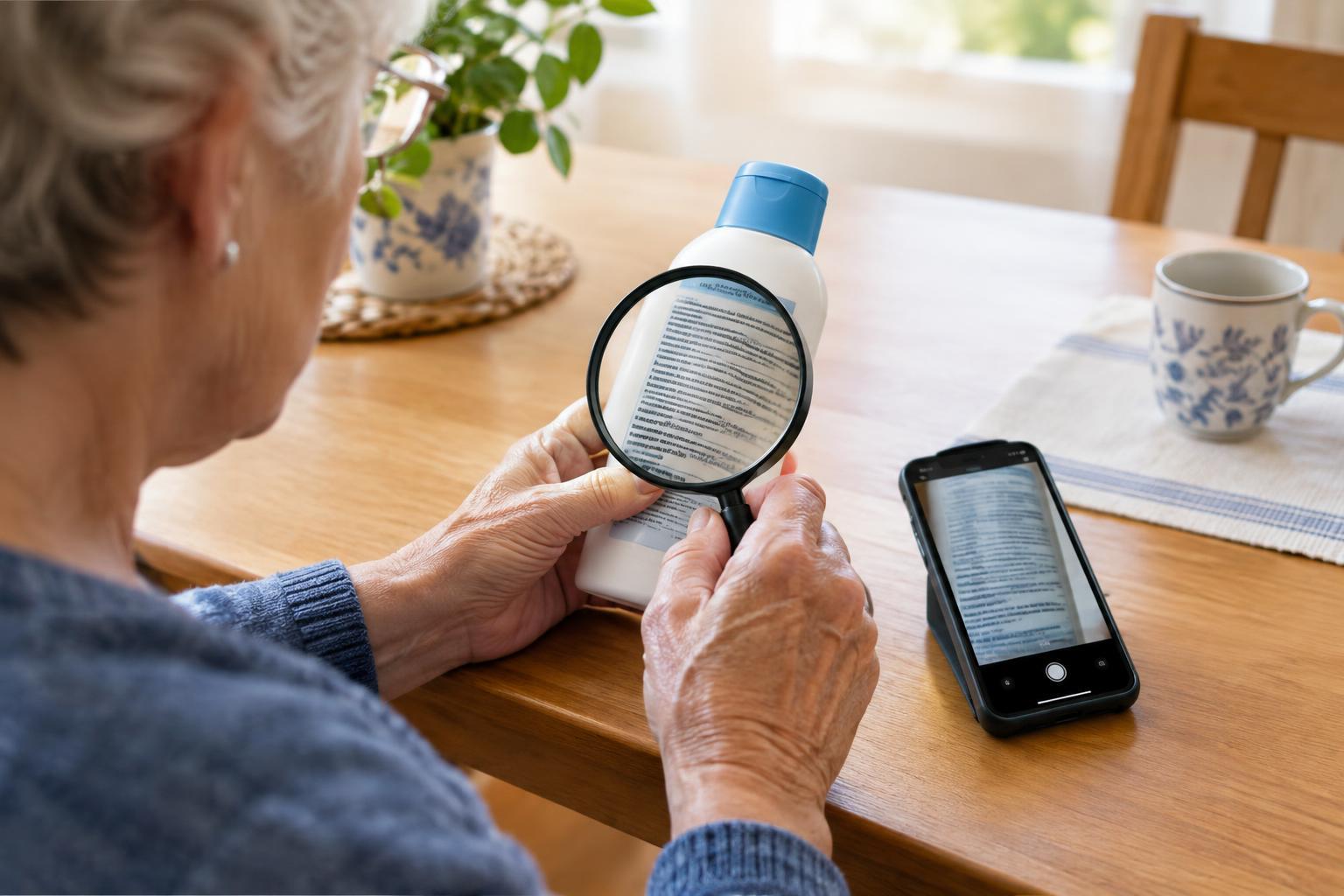
A handheld magnifier is useful for a quick look at a price tag, care symbol or ingredient list. A stand magnifier can be easier for longer reading because it rests at a set distance from the page. Some magnifiers include a light, which may help when the label is tucked into a dim cupboard. The most powerful option is not always the easiest: stronger magnification may show fewer words at once and require more careful positioning.
When trying a magnifier, test it with the kinds of labels you actually read. Move it slowly closer to and farther from the print until the letters appear sharp, then adjust the position of the item rather than straining to hold an awkward pose. Keeping a small magnifier near a shopping bag and another where you sort household items can make them easier to use when needed.
Use your phone to enlarge and steady the text
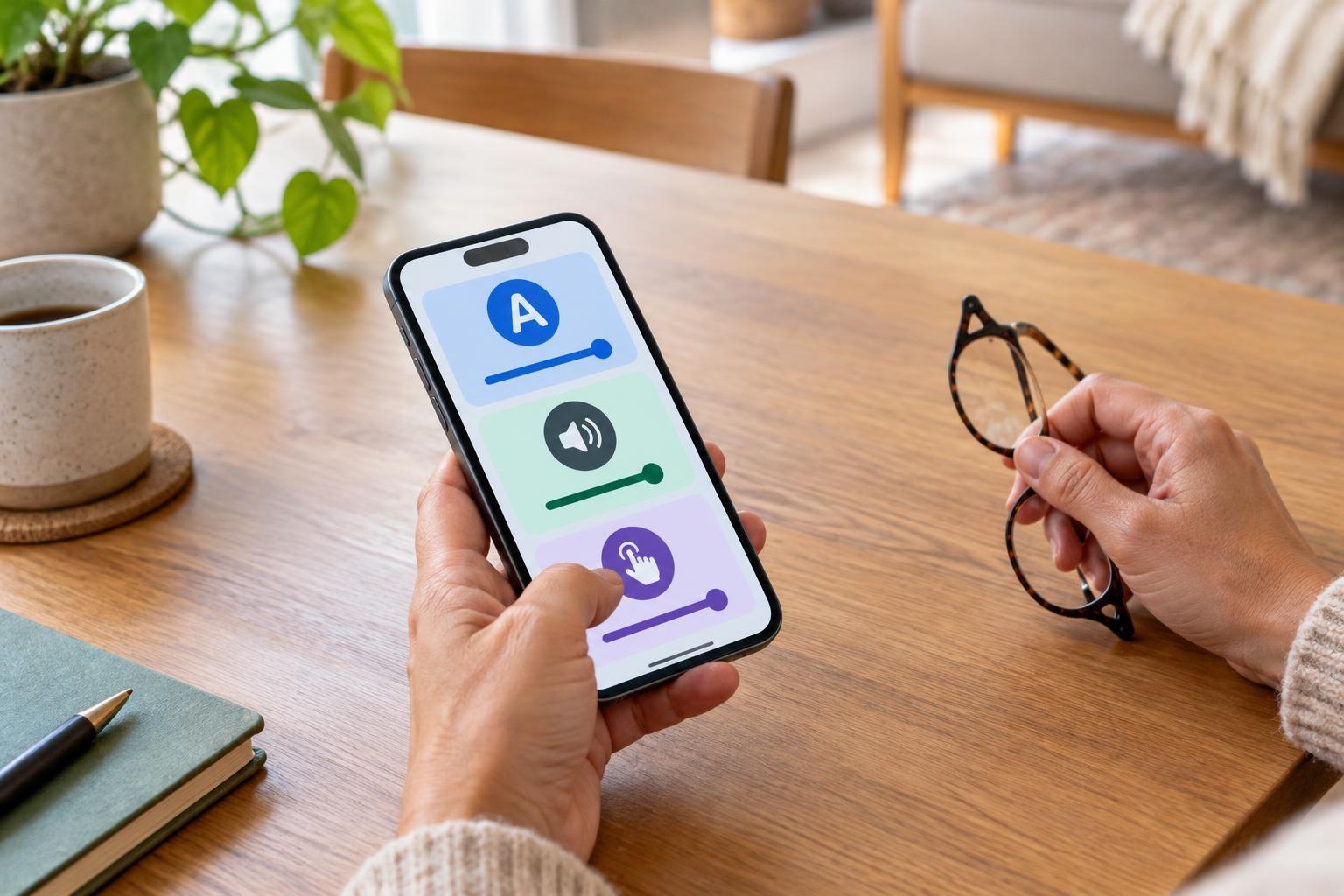
Your phone’s camera can act as a portable magnifier. Open the camera, point it at the label and use the zoom control until the text is comfortable to view. Hold the phone steady and tap the area of text on the screen if it appears blurry. If your phone has a built-in magnifier feature, it may offer controls for brightness, contrast or color that make certain labels clearer. Accessibility settings vary by device, so explore them at a comfortable pace and keep the controls you find useful within easy reach.
Taking a photo gives you time to read without balancing the package and phone together. You can enlarge the image afterward, move around it one line at a time and retake it if part of the label is out of focus. For a curved container, photograph several small sections rather than one wide shot. Turn off the flash if it creates a bright spot over the words, or try lighting the label from the side.
Try text recognition, but check the result
Many phones can detect text in a photo or camera view. Depending on the device, you may be able to select the detected words, enlarge them or have them read aloud. This can be especially helpful when the label uses cramped lettering or an unfamiliar layout. If you use spoken output in a shop or shared space, headphones or a low volume may offer more privacy.
Text recognition can make mistakes when print is tiny, curved, reflective or partly hidden. Check uncertain words against the original label, particularly numbers, similar-looking letters and lines that sit close together. For information that could affect safety, such as usage instructions, allergens or dosage, do not rely on a blurry image or an unclear spoken result. Seek a clearer label or ask a trusted person or the product provider to help confirm the wording.
Build a routine that works for you
There is no need to use the same method for every label. A magnifier may be quickest for a short line, while a photo may work better for a dense panel you want to revisit. At home, you might keep frequently used items in consistent places and add your own large-print note to a container after you have confirmed what it says. Keep the original packaging available when its instructions or warnings may matter.
If you are helping someone else read, ask what would be useful before taking over. You could hold the item steady, adjust the light, take a photo or read a particular line aloud. Give them time to check the information themselves. The goal is not simply to get through the small print, but to make everyday information easier to access with independence and confidence.