Start with a clear invitation
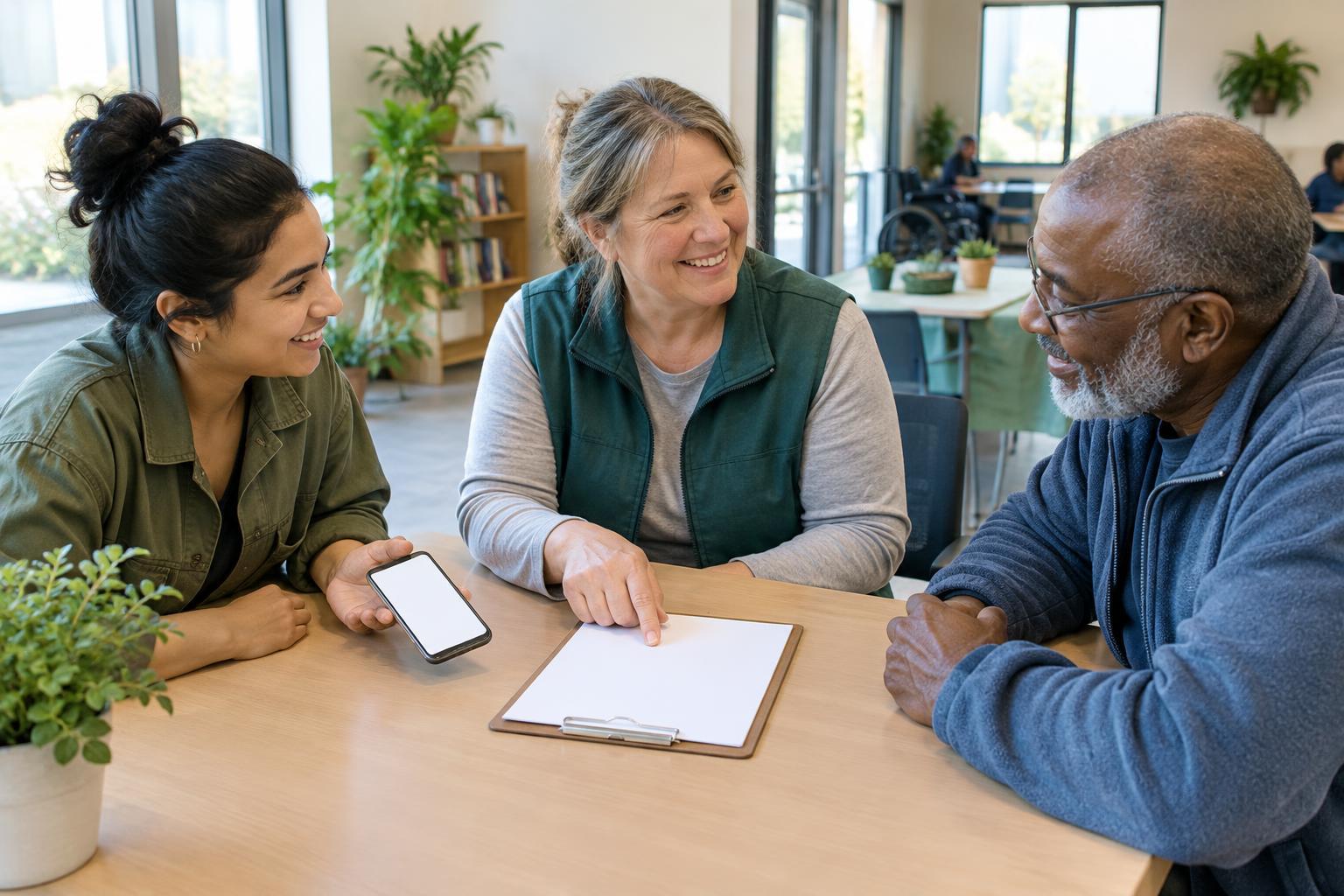
A sign-up process begins before anyone opens a form. People first need to know what they are being invited to do and whether it fits their time, interests and circumstances. Describe the activity in everyday language: what volunteers will do, where it will happen, how long a shift lasts and whether they need any particular skills. If supplies, travel or physical tasks are involved, say so. Clear details help people decide without having to ask a series of questions.
Make the invitation welcoming without promising that every role will suit everyone. Rather than saying “volunteers must be energetic,” explain the actual task, such as arranging chairs or greeting visitors. Where possible, mention different ways to contribute, including tasks that can be done seated, in a small group or at a flexible time. Give people a contact point for questions so they can explore their options before committing.
Ask only for what you need
A first sign-up form should be short enough to complete in one sitting. For many activities, a name, a preferred way to be contacted, an area of interest and general availability are a useful starting point. Ask for further details only when they become relevant to a particular role. If a question is optional, label it as optional. Avoid collecting sensitive personal information simply because a form has space for it.
Use straightforward questions instead of vague boxes that leave people guessing. “Which days usually work for you?” is easier to answer than “Describe your availability in full.” If volunteers can choose more than one task, let them do so. Include a place for someone to share what would help them participate, but do not require an explanation of a disability or personal circumstance. A prompt such as “Is there anything we can do to make taking part easier?” leaves room for a practical conversation.
Offer more than one way to sign up
An online form is convenient for some people, but it should not be the only doorway. Depending on the group’s capacity, offer a phone number, email address or in-person sign-up opportunity as well. Make sure every route leads to the same basic information and a comparable chance to join. A paper form at a community event can be helpful, provided someone has a plan to collect it securely and follow up.
For a digital form, use clearly labeled fields and a simple layout that works on a phone as well as a computer. Write instructions beside the relevant question, not in a long introduction that people may miss. Avoid unnecessary time limits, tiny text and questions that rely on color alone. Ask a few people to try the process before sharing it widely; notice where they pause or need clarification, then revise those points.
Explain what happens after sign-up
A simple form can still feel like a dead end if nobody knows what comes next. Tell people when they can expect a response, who will contact them and whether signing up is an expression of interest or a confirmed place. An automatic acknowledgment can reassure someone that an online submission went through, but it should not replace a personal reply when one is needed to arrange a role.
Keep the next step manageable. A short message might offer two possible shifts, explain any orientation and invite questions. If a role is full, say so kindly and ask whether the person would like to hear about another opportunity. Keep volunteer contact details in a place that only the people coordinating the activity need to access, and explain how those details will be used. This helps build trust while keeping administration practical.
Keep improving the path in
After an activity, ask volunteers what was easy or difficult about joining. A brief conversation may reveal that the form was clear but the meeting place was hard to find, or that people wanted to know the shift length sooner. Pay attention to people who expressed interest but did not take part without assuming why. Small changes to an invitation or follow-up message may remove a barrier for the next person.
The goal is not to build a perfect system before welcoming anyone. It is to make the first step clear, provide a way to ask for help and respond reliably. When people can see what a role involves and choose how to make contact, signing up feels less like an obstacle and more like the beginning of participation.